
Instructions for upgrading your v4.5 JSEAsy Premium WHS software to v4.6 Premium
JSEAsy v4.6 Premium Download and Installation Guide
When you purchase an upgrade for your Premium version of the JSEAsy Environmental Health and Safety (EHS) Software you will receive an email with an invoice and a link to download the software.
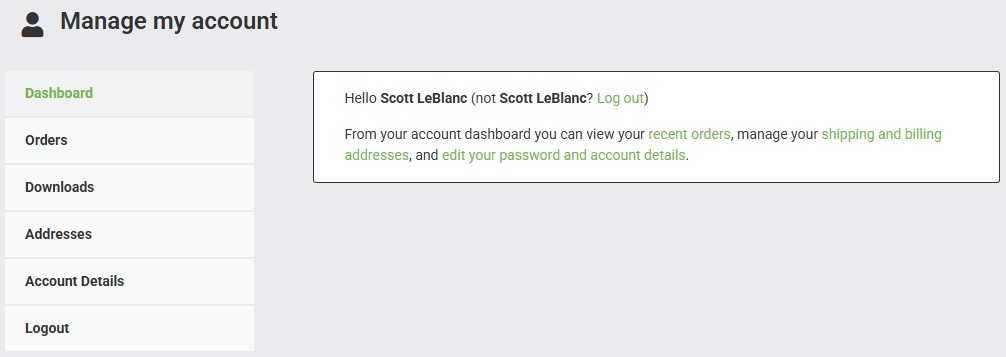
You can also download from our website by logging into your account and then you will see a downloads tab.
This upgrade procedure is for upgrading ad v4.5.* version to v4.6.* if you are running and earlier version of JSEAsy, please upgrade to v4.5 before running this upgrade.
The upgrade process may take 20-30 minutes to complete
You can let the different stages of the upgrade run while you are doing something else.
Download the Zip folder

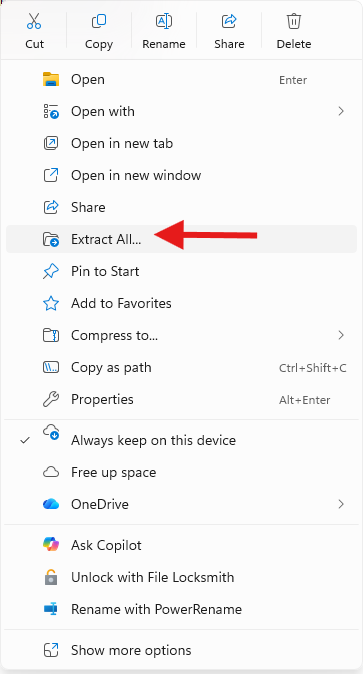
Right click on the folder and select, Extract all
Inside the folder you will find one file.

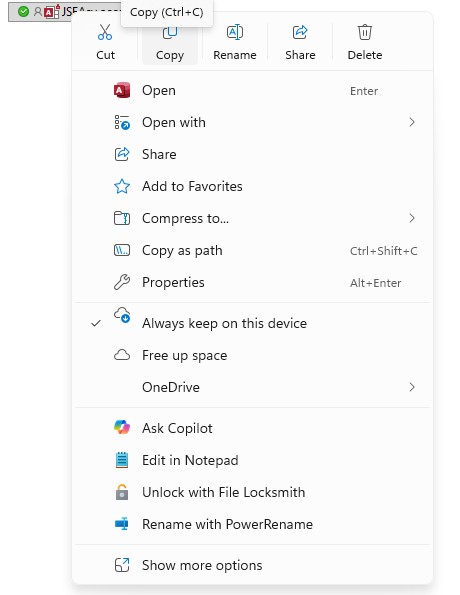
Copy this files. This is a new Program file containing the new features to copy into your data file.
Select the file and and then right click and select Copy. or Ctrl+C
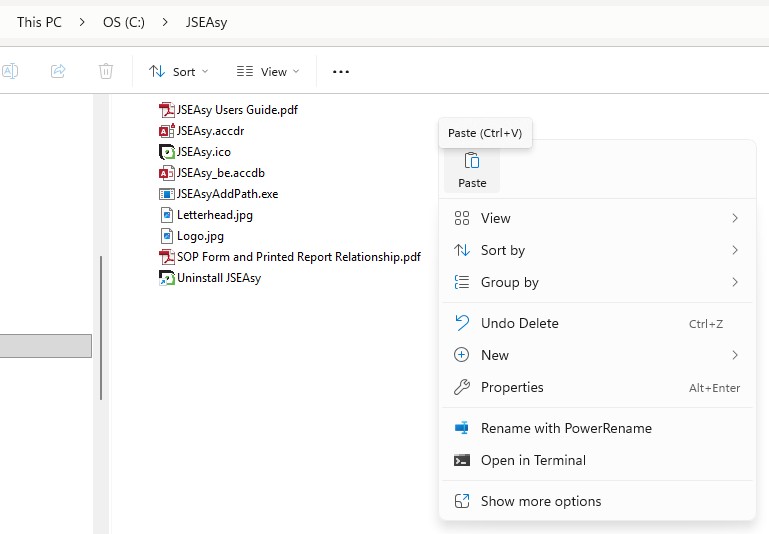
Go to C:\JSEAsy and paste the file.
Replace the file in the destination folder.
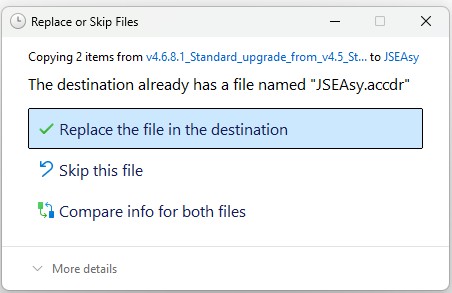
The new JSEAsy Premium program file is now in the correct folder and you are ready to run the upgrade.
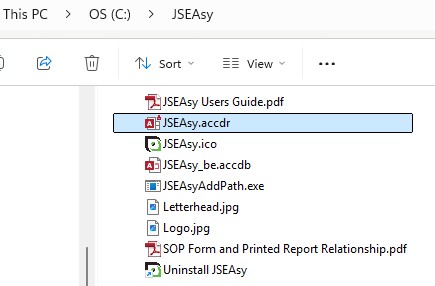
Right Click on the data file JSEAsy_be.accdb and Compress to a ZIP file.
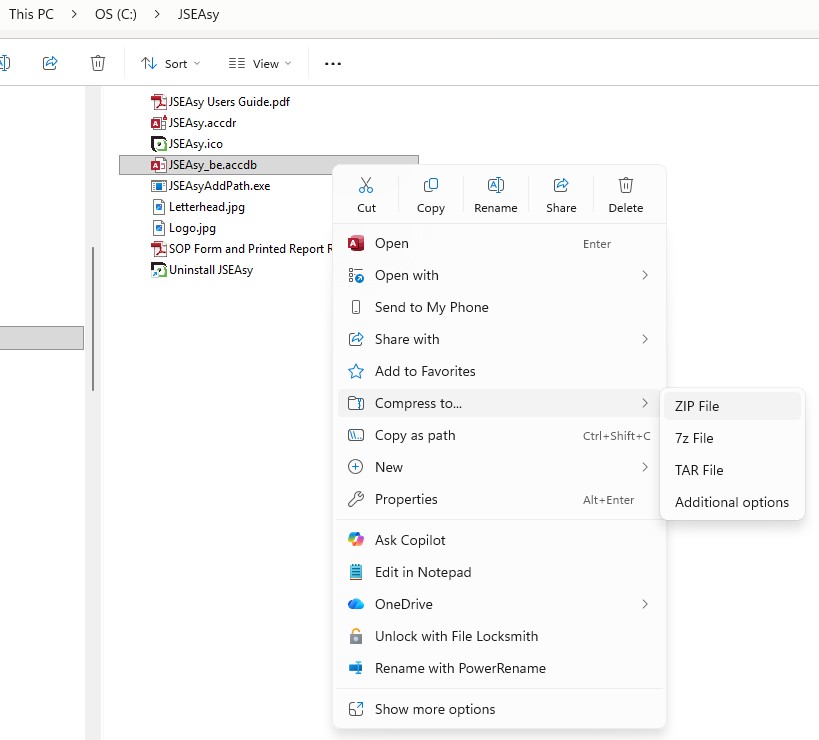
You can leave this here but it it strongly recommended that you copy this somewhere safe like a OneDrive folder.
Run the program to start the upgrade process
Double click you desktop shortcut as normal to launch the program.
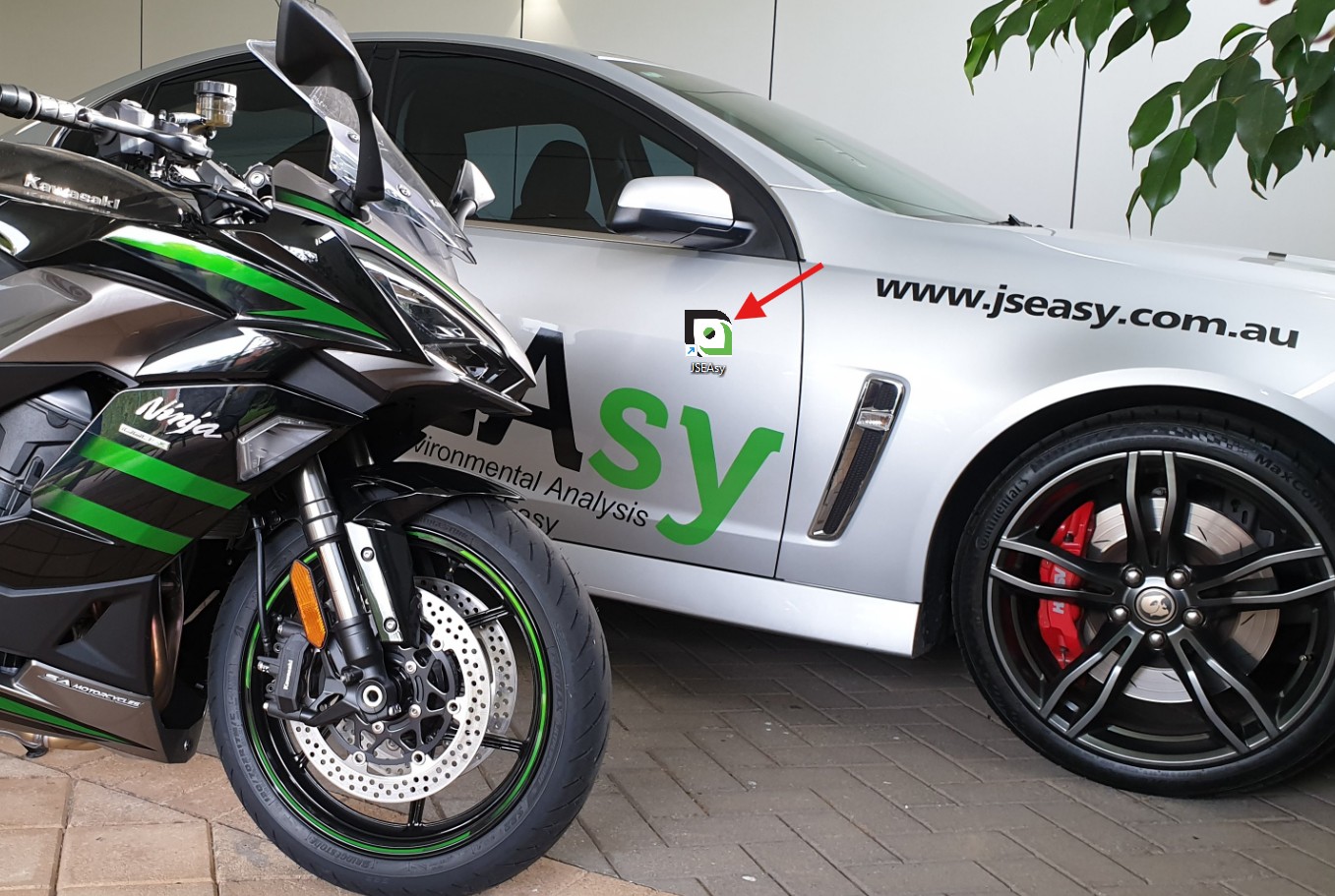
The installation process will commence on startup.
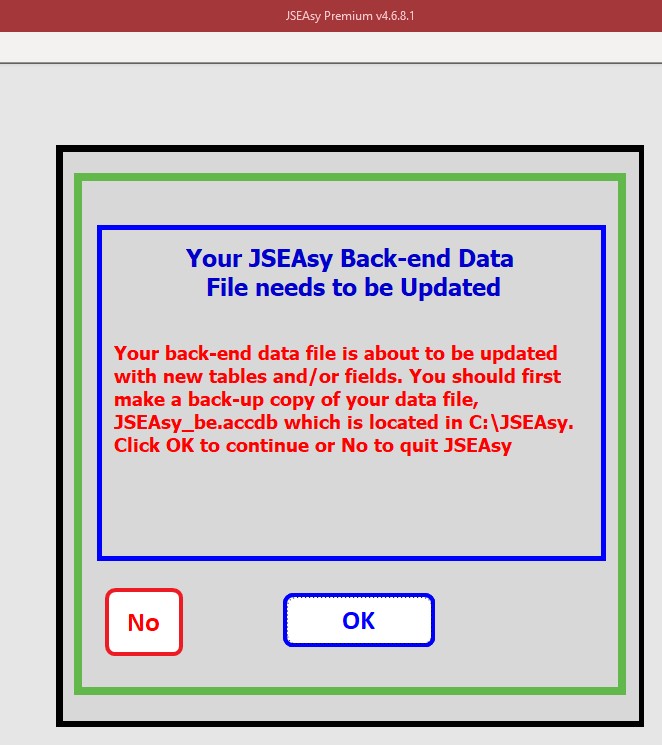
Click ok.
The upgrade file will now check for version compatibility and then the upgrade process will start.
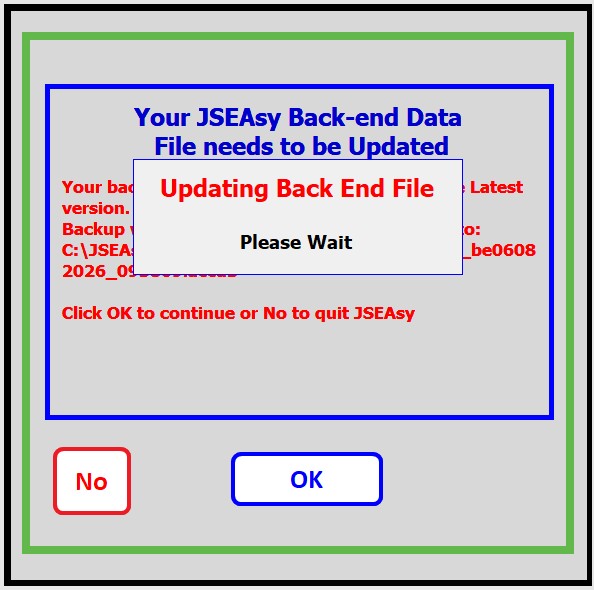
This will add 36+ New Premium WHS Forms & Policies, and new features and It will take around 30-60 seconds to upgrade your v4.5 data file to v4.6. depending on the speed and model of your PC.
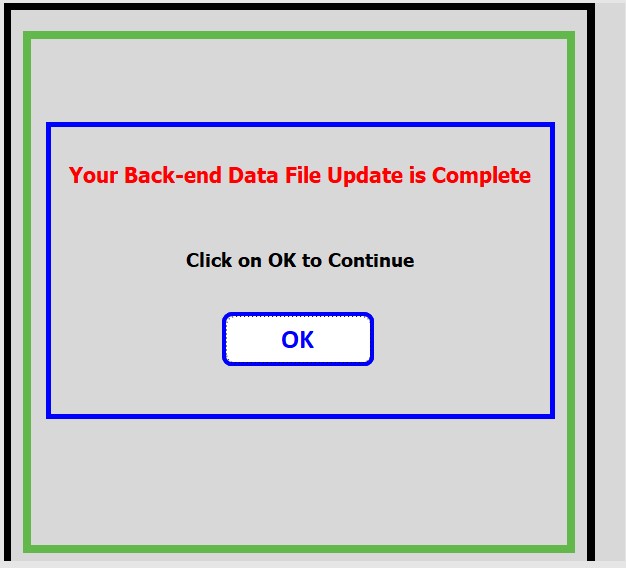
Click ok to advance to the next step.
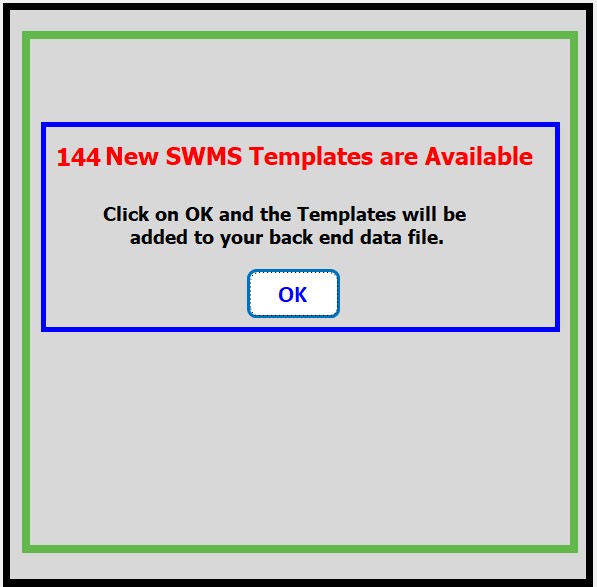
It will take around 10 minutes to add all the new SWMS templates depending on the speed of your PC.
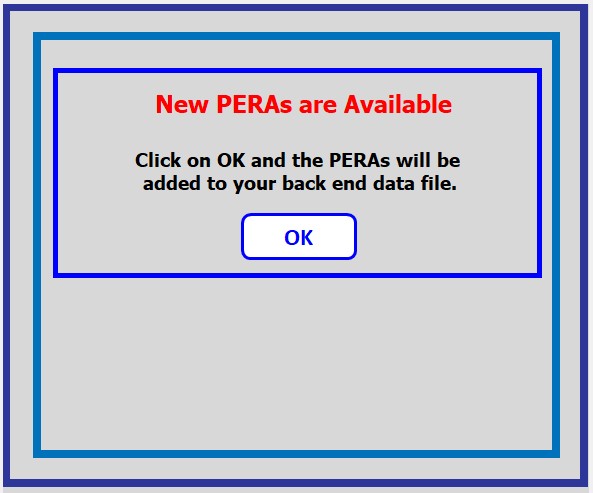
New Plant and Equipment Risk Assessments (PERAs) are Available. Click ok to continue and add then to your JSEAsy EHS software. This wall take 1-2 minutes.
22 New PERAs have now been added to your JSEAsy Safety Management Software.
Click ok to advance to the next step.
Click ok to add new Safe Operating Procedures (SOPs) to your JSEAsy EHS Software.
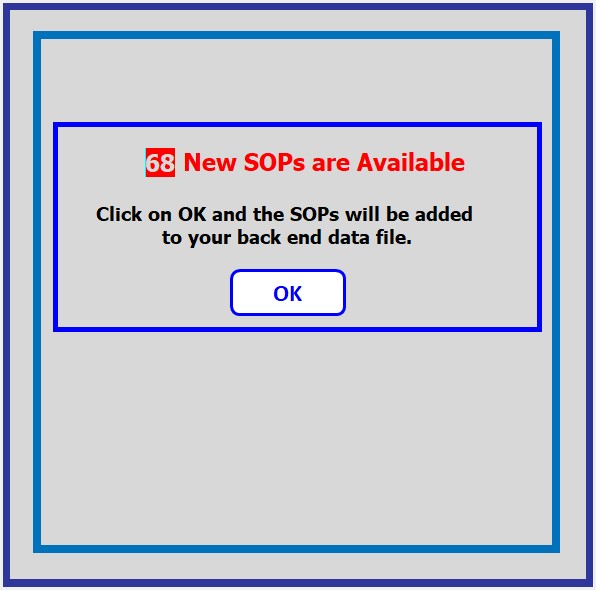
68 New Safe Operating Procedures (SOPs) have been added to your JSEAsy EHS Software, and the upgrade is now complete and ready for use.
It is good idea to exit the software and then go back in.
Please contact the Team at JSEAsy if you have any trouble or need any help.
Thanks.